APPLE FOCUS • UX DESIGN • DESIGN SYSTEMS
Simplifying and personalizing productivity for Apple users
overview
What is Apple Focus?
Apple Focus is a core iOS feature designed to help users manage distractions and improve their digital wellbeing.
framing the problem
Yet, Apple Focus lacked clear visibility, intuitive setup, and flexible privacy options, making it challenging for users to confidently discover and control their digital well-being experience. This user experience challenge led to low user adoption.
market research
To create an improved product, I started by identifying where the market falls short.
Across leading expense productivity platforms, one gap stood out: features that go unused are features that don't exist.
the problem
Feature discoverability? Nonexistent.
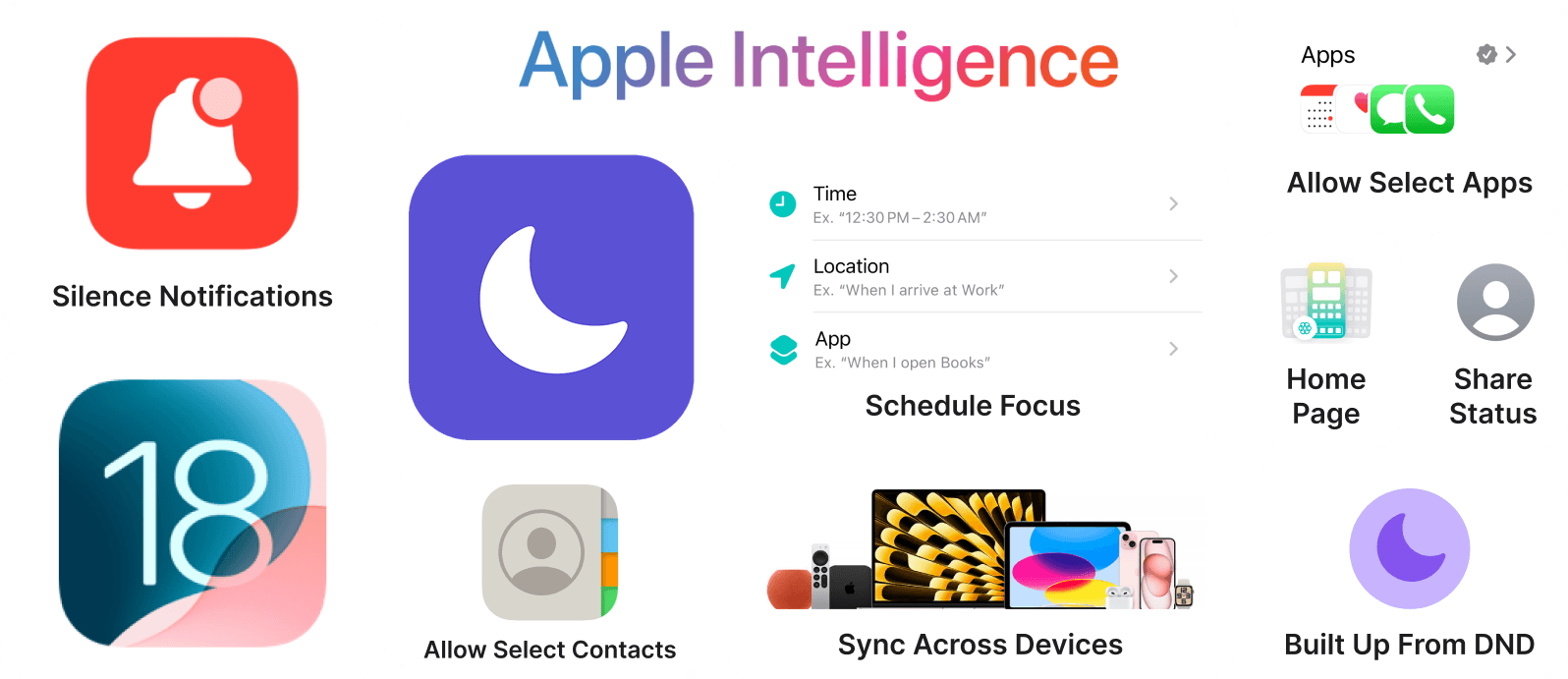
Most users didn't know the full extent of what Focus can do, despite their enthusiasm to having the features available. Sharing status, scheduling automations, and adjusting app permissions existed, but they were all buried in different tabs with no recognizable hub.

I guided my team to three main feature areas for the MVP.
🏠
Tailored Dashboard
Resurfacing entry points for users to to increase daily engagement
🔒
Privacy Controls
Adding granular privacy controls to build trust and reduce friction
🏠
Focus Group
Introduce social proof among users to build lasting user habits
prototyping
Expanding on Apple's Design System
Iterations
Expanding on Apple's Design System
solution
Expanding on Apple's Design System
reflection
This experience sharpened my design and ability to communicate through design!
★
Text
Text
★
Text
Text
★
Text
Text
hey!